
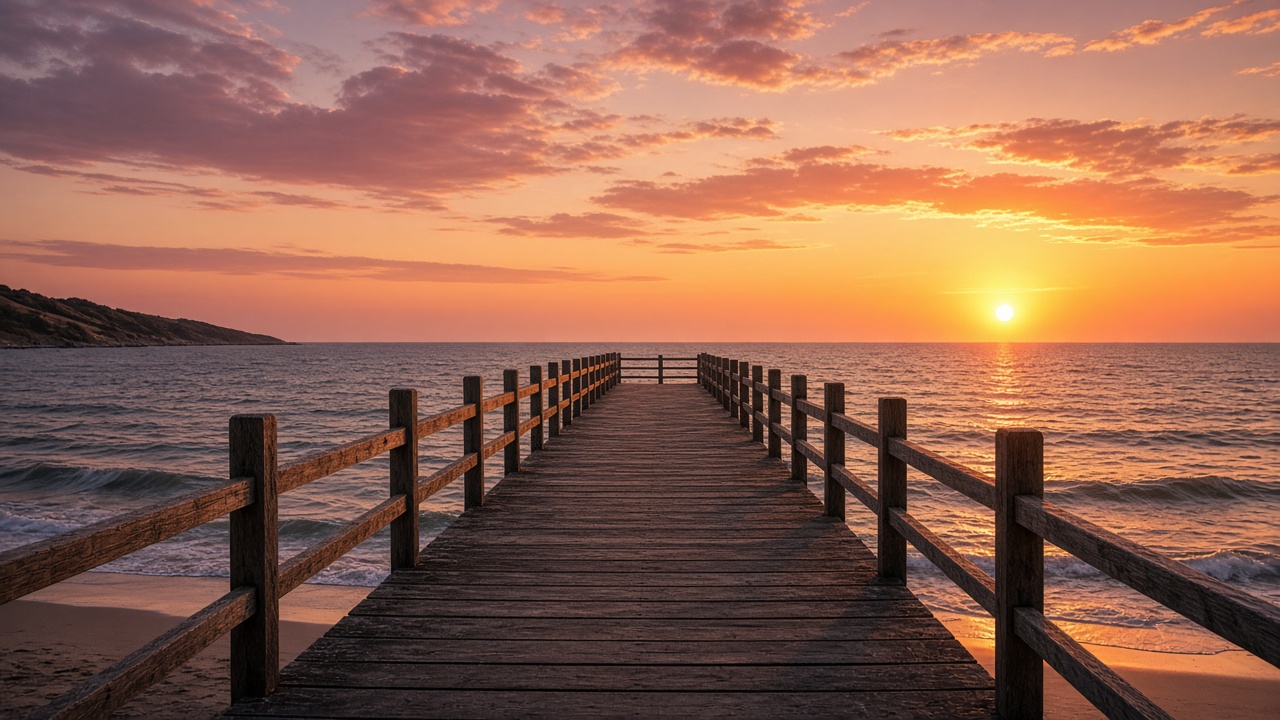
Raindance-style clips popularized a simple arc: someone waiting on a pier, a second figure arriving or performing near the water, then a shared sunset moment with music driving emotion. Creators want that cinematic warmth without copying a copyrighted video frame by frame. Seedance can help you produce original shots if you storyboard first, control wardrobe and time of day, and finish the piece in an editor with licensed or original music.
You are building an original short music-led narrative, not a shot list copied from someone else’s upload. Swap locations, wardrobe palettes, and character relationships while keeping the emotional shape—anticipation, connection, release—that makes the format work for social feeds.
What Makes the Raindance-Style Video Recognizable
The format leans on golden-hour light, open horizon lines, and intimate two-character energy even when dancers or singers are strangers in the narrative. Camera language mixes static longing shots with gentle movement toward the water. Music usually carries the peak emotion because dialogue is minimal. Recognize the pattern so you can substitute your own characters, location, and song.
This is inspiration, not replication. Avoid recreating signature choreography, exact outfits, or identifiable artist likenesses from any specific viral upload.
Plan the Story Before Generating Individual Shots
Use three beats: (1) waiting on a dock, wind in hair, looking down the shoreline; (2) second character enters—walking, spinning, or playing an instrument on the sand; (3) both face the sunset, shoulders nearly touching, wide shot. Write one sentence per beat and note emotional intent so prompts stay aligned.
Sketch stick figures on paper or in a notes app before spending credits. Mark camera direction arrows so you do not accidentally flip screen geography between pier and beach. A thirty-second animatic with royalty-free temp music helps you feel whether the emotional peak lands before you finalize Seedance prompts.
Prepare Reference Images for the Characters and Beach Setting
When your Seedance interface allows image references, upload clear photos or AI portraits with neutral expressions and consistent outfits. For beach continuity, also reference a pier photo with similar wood tone and sea color. If face references are restricted, use silhouettes or back-facing shots for part of the story.
Prompt the Dock, Beach Performance, and Sunset Ending
Generate the beach performance beat separately—medium shot of the second character walking along the surf line, energy lifting as if responding to music you will add later.
If pier and beach clips look like different weather, viewers disengage even when the song is strong—regenerate exteriors until sky color and wind direction feel like one continuous evening.
Keep the Lighting and Characters Consistent Across Shots
Repeat sun direction, color words (“golden hour,”“warm haze”, and wardrobe phrases in every prompt. Regenerate any clip that jumps to midday shadows. Use reference frames from the pier shot when prompting the sunset clip so faces and hair length match.
Weather should stay coherent: if the pier shot shows windy hair, the beach performance should not look like a calm studio backdrop. Cloud cover, sea color, and wet sand reflections are subtle cues viewers notice when they differ. Batch-generate all exteriors in one session when possible so you remember the exact phrasing.
Choose Music and Edit the Final Sequence
Seedance previews may not include your final track. Import royalty-cleared or original music in your editor, cut clips to phrase lengths, and let the chorus hit on the wide sunset reveal. Check platform licenses before monetizing. Fade audio under ambient wave sound if it helps realism.
Trim each clip on motion beats—a footstep, a turn toward the camera—so cuts feel musical even when sync is approximate. Color grade all shots with one LUT or manual curve pass to hide slight exposure differences between pier and shoreline generations.
Common Problems with Beach Scenes and Character Continuity
Water simulations sometimes flicker; shorter clips reduce exposure. Sand color shifting between shots breaks immersion—note hex-like descriptions (“pale beige sand” consistently. If two characters merge or swap positions, regenerate with explicit “two distinct people, left/right spacing.”Face-reference policies change; verify current rules instead of assuming celebrity or personal likeness uploads are allowed.
Horizon tilt and lens distortion can make pier lines look bent; mention “level horizon”if your tool responds well to camera notes. When legs or hands intersect with water, artifacts multiply—compose performances slightly above the surf line or use shallow water shots. Original music or properly licensed tracks belong in post; Seedance output alone does not grant song rights for commercial uploads.